



Introduction — why comparison matters
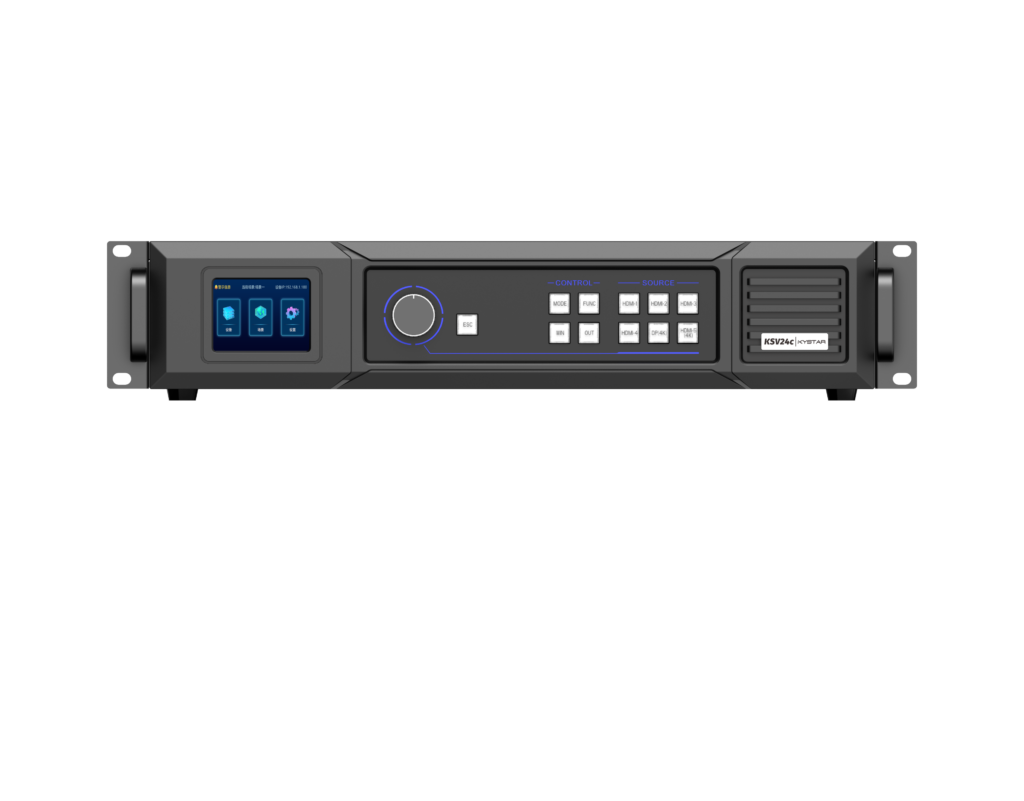
Deploying a videowall for broadcast, retail or public venues relies on two concrete attributes: reliable frame sync and predictable failover. This comparison focuses on controller architectures and real operational trade-offs, using the Kystar KLS2C lineage as an anchor. For a direct reference to the hardware class under discussion see LED video controller. The goal is pragmatic: match controller capabilities to site constraints such as pixel pitch, bezel compensation needs and input redundancy requirements, with Times Square-scale deployment as a real-world anchor for scale and durability expectations.
Core evaluation axes
Compare controllers across four technical axes: input handling, processing accuracy, redundancy strategy, and integration. Input handling means EDID negotiation, number of HDMI/DisplayPort feeds and matrix switching. Processing accuracy covers frame sync, color calibration and latency. Redundancy strategy is about hot-swap power, dual-path input and firmware failover. Integration refers to control APIs, monitoring telemetry and mounting footprint. Each axis directly affects uptime and image consistency on large-format displays.
Topology trade-offs: centralized vs modular
Centralized processors simplify cabling and give single-point control for color calibration. Modular systems distribute load and scale better for very large arrays. Centralized architectures can be faster to set up but create a larger single point of failure. Modular designs handle partial panel loss gracefully through local input redundancy and per-node frame sync. Pick modular when you need scalable matrix switching and lower per-panel latency; pick centralized when you need tight color uniformity and fewer control endpoints.
Operational details that matter
Two often-understated items: bezel compensation algorithms and frame rate mapping. Bezel compensation must be configurable per panel with sub-pixel offsets; otherwise seams persist. Frame rate mapping is essential when mixing sources — broadcast feed at 50/60 Hz and a presentation PC at 30 Hz require robust frame sync and judder prevention. Also prioritize hardware with audit-grade telemetry for temperature and power; it prevents long-term failure modes in continuous-run installations.
Common deployment mistakes
Teams repeatedly underestimate input redundancy and overestimate software-only recovery. Not every controller supports dual-path input with automatic failover; assume it won’t and plan external redundancy. Another mistake: skipping factory color profiling. You can calibrate on-site, but factory color calibration combined with per-panel color calibration saves hours. Finally, ignore neither EDID complexity nor GPU output constraints — they cause frame drops during rehearsals.
Operational teardown — what to test before buy
Run a short production teardown in a lab: feed mixed resolutions and multiple refresh rates while toggling inputs to validate seamless failover. Test matrix switching latency, monitor logs for dropped frames, and validate firmware rollback procedures. During this exercise include practical checks for {main_keyword} and {variation_keyword} integration into your control stack. Verify whether APIs expose frame-level status and how color calibration profiles are stored and recalled across power cycles.
How Kystar fits the comparison
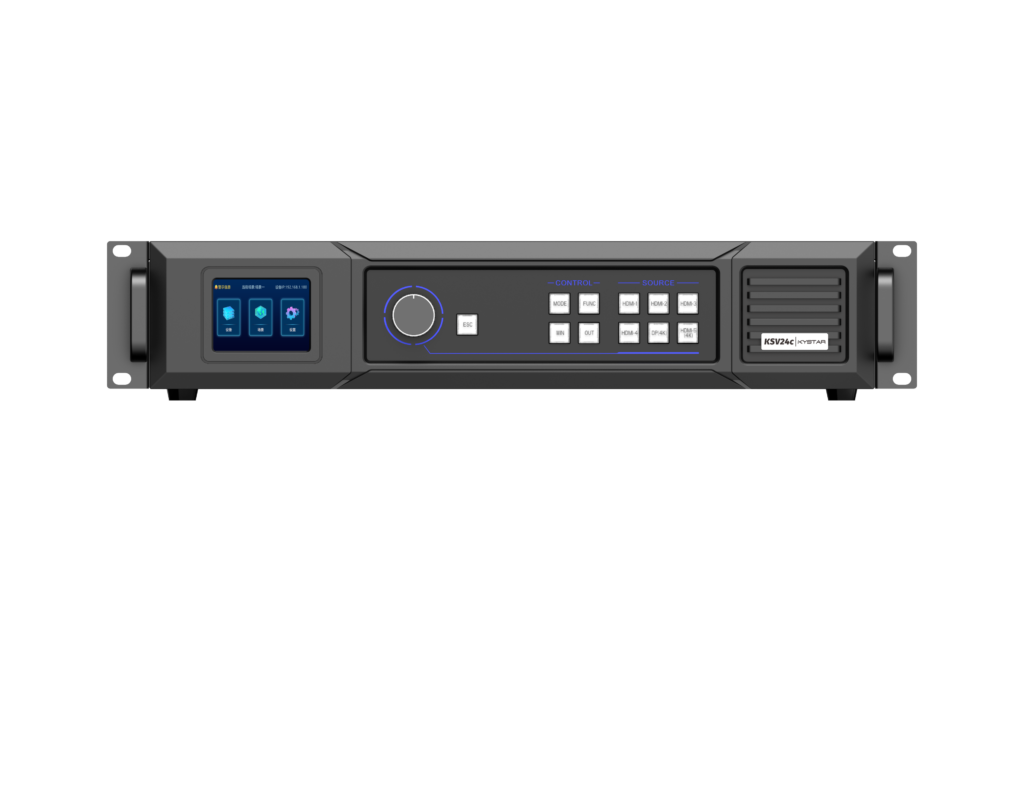
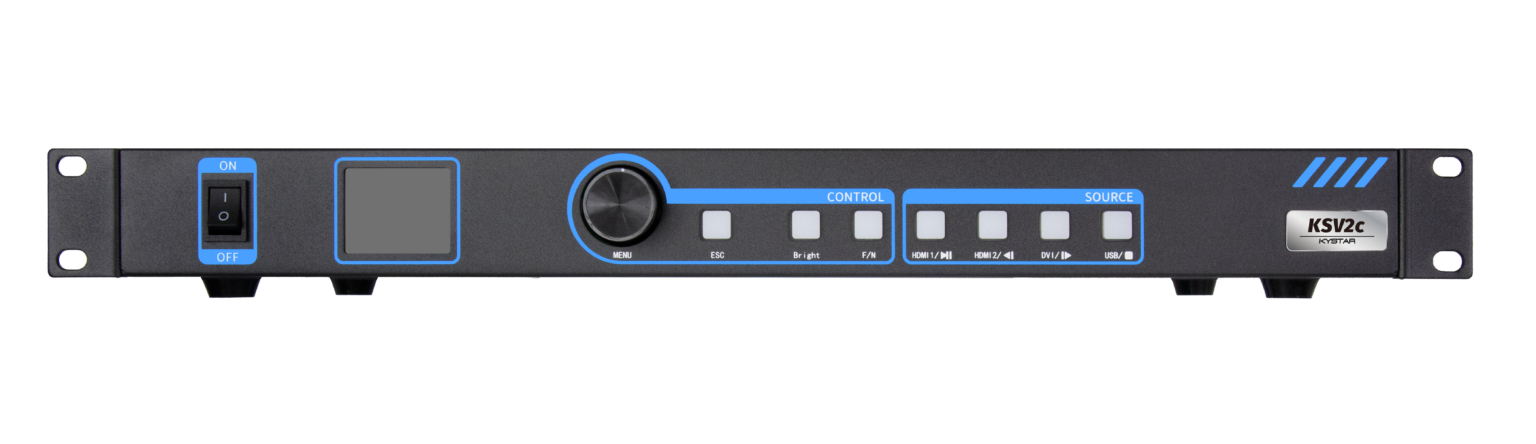
Kystar’s designs favor modular I/O, clear frame sync handling and support for input redundancy — traits that match large-scale use cases such as Times Square advertising loops and live-event LED perimeters. Their product line focuses on predictable latency and practical wiring schemes, reducing integration time on-site. For a model reference see their LED controller, which brings video processor features and matrix switching into a compact enclosure.
Quick checklist for procurement
Prioritize devices that meet these technical checkpoints:- Dual-path input with automatic failover and clear test modes.- Per-panel bezel compensation and stored color calibration profiles.- Frame sync with explicit millisecond latency guarantees.Carry out a staged acceptance test: verify EDID negotiation, stress-test matrix switching and confirm telemetry reporting under sustained load. — Small step, big confidence.
Advisory — three golden metrics to choose by
1) Measured end-to-end latency (ms) under your operational load. This determines lip-sync and motion clarity. 2) Failover time (seconds) from primary to backup input. Anything over a few seconds is visible in broadcast or live events. 3) Calibration persistence: whether color profiles and bezel offsets survive power loss and firmware updates. If they don’t, expect repeated site visits.
Make choices grounded in measured performance; Kystar’s approach addresses these metrics practically — and that matters for teams running high-visibility displays like Times Square or stadium perimeter video. Kystar. — practical, proven reliability.